
· 6 min read
Implementing Mixpanel on Android (Kotlin)
Mixpanel on Android with Kotlin: Gradle setup, lifecycle-safe tracking, identity, ProGuard rules, and feature parity with your iOS event schema.
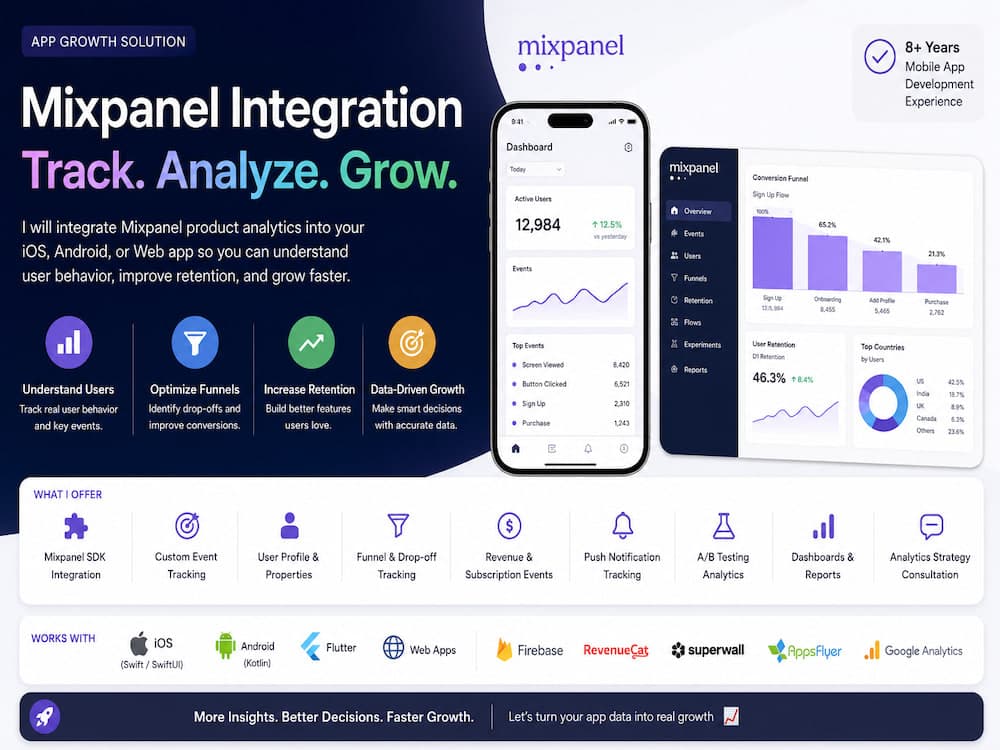
Android apps need the same disciplined analytics layer as iOS: an injected tracker that wraps Mixpanel’s Android SDK, initialized in Application.onCreate with your token and opt-out flags respected for GDPR and Play policy.
Add the Mixpanel Android dependency via Gradle, keep the SDK version aligned with iOS when possible, and document ProGuard/R8 keep rules so event classes and the SDK are not stripped in release builds. Otherwise you silently lose data in production.
Emit events from ViewModels, use cases, or composable callbacks, not from every recomposition. For Jetpack Compose, track user actions and meaningful screen impressions once per navigation entry. Debounce rapid taps that should count as one conversion.
Mirror your iOS event catalog: same event names, same property keys, same identity rules. Identify after authentication, set people properties for plan and experiments, and reset on sign-out. Super properties for OS version, device class, and app flavor help segment crashes versus behavior issues.
Integrate subscription analytics by listening to Google Play Billing or RevenueCat callbacks and mapping them to the same revenue events you use on iOS. Funnels in Mixpanel only help when both platforms spell events identically. Shayopra implements Mixpanel on Kotlin apps alongside Swift clients so founders get one dashboard for the whole product.